0:47
How to Check Battery Health & Battery Report in Windows 10/11 🔋
AL Tech
0:20
How to Take a Screenshot in Browser (Ctrl + Shift + S) 💻 #shorts #tech
0:17
Open Tabs Faster! ⚡️ Ctrl + T | New Tab #shorts #techshorts #ctrl
0:12
How to Force Refresh Chrome INSTANTLY! ⚡ F5 Shortcut | Fastest Way to Reload Chrome Pages #chrome
0:39
Take Full Page Screenshots in Microsoft Edge | No Extensions!
0:09
Press F5 to Instantly Refresh Microsoft Edge! ⚡ #shorts #edge #browser
Take a Full Website Screenshot in 5 Seconds! ⚡ #msedge
0:32
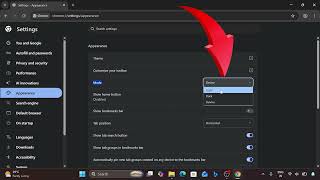
How to Change Chrome to Dark Mode, Light Mode or Device Default
LIVE