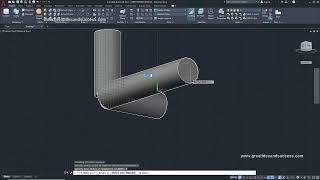
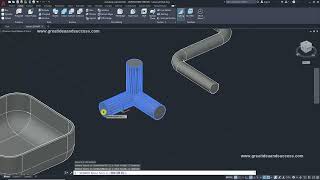
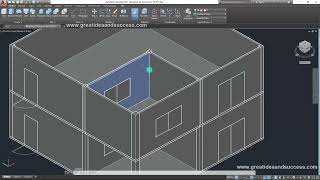
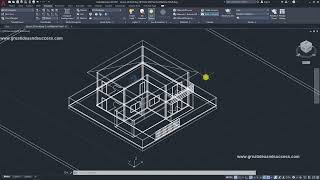
4:53
Chapter 2: Switching the Workspace from 2D to 3D
Thanatat Suwan
2:53
Chapter 3: Switching the Menu from 2D to 3D
4:48
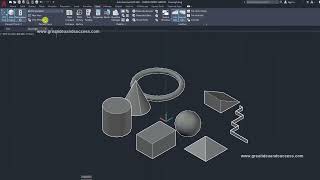
Chapter 4: Creating Basic 3D Shapes
4:56
Chapter 5: Changing Screen Display Modes
6:06
บทที่ 6 การควบคุมหน้าจอ และการเปลี่ยนมุมมอง 3 มิติ ไปในด้านต่างๆ
5:29
บทที่ 7 การสร้างวัตถุ 3 มิติด้วยการกำหนดค่า
3:34
Chapter 8: Moving 3D Objects with 3D Move
4:22
บทที่ 9 การหมุนวัตถุ 3 มิติด้วย 3D Rotate
5:06
บทที่ 10 การเปลี่ยนความหนา และความสูง ของ PolySolid
4:42
บทที่ 11 การสร้างวัตถุ 3 มิติจากเส้น 2 มิติด้วยคำสั่ง Extrude
5:39
บทที่ 12 การเตรียมเส้น 2 มิติก่อนขึ้นรูปเป็น 3 มิติ
3:15
บทที่ 13 การสร้างวัตถุ 3 มิติจากเส้น 2 มิติด้วยคำสั่ง Revolve
5:21
Chapter 14: Introduction to Using UCS
3:55
Chapter 15: Creating 3D Objects from 2D Lines Using the Sweep Command
3:14
Chapter 16: Creating 3D Objects from 2D Lines with the Loft Command
5:05
Lesson 17: Filleting and Chamfering 3D Objects with Fillet Edge and Chamfer Edge Commands
3:57
Lesson 18: Editing Objects Using Boolean Commands
7:20
Lesson 19: Creating Objects with the Press Pull Command
Chapter 20: Editing Objects with the Presspull Command
4:41
Chapter 21: Getting to Know and Using Dynamic UCS
5:02
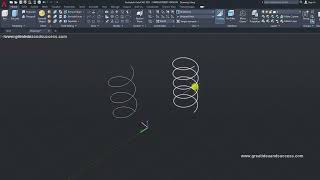
Chapter 22: Creating 3D Helix Curves
2:35
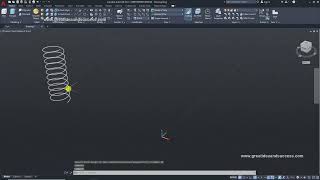
Lesson 23 Workshop: Creating a Spring
6:00
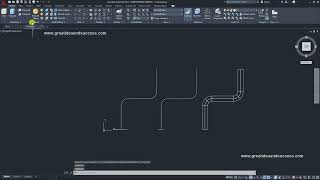
Chapter 24 Exercise: Creating a Solid Pipe
2:34
Lesson 25: Exercise on Creating Hollow Pipes
2:49
Lesson 26 Exercise: Creating a 3-Way Pipe
11:45
บทที่ 27 แบบฝึกหัด การสร้างใบพัด
4:01
Chapter 28: Exercise on Creating Helical Objects
3:19
Chapter 29: Creating Thin Walls by Hollowing Out Objects
5:38
Chapter 30 Exercise: Creating a 2-Story House EP 1
12:32
Lesson 31: Exercise - Building a 2-Story House EP 2
3:18
Lesson 32: Exercises for Building a 2-Story House EP 3
4:24
Lesson 33 Exercise: Building a 2-Story House EP 4
5:59
Lesson 34: Lighting with Sunlight
2:01
Lesson 35: Setting the Background to Sky
5:03
Chapter 36: Rendering for Photorealistic Images
9:03
Lesson 37: Assigning Materials to Objects
7:09
Chapter 38: Adjusting Material Texture Patterns
Chapter 39: Saving Rendered Image Files
2:42
Chapter 40: Installing an Add-in to Import Objects from SketchUp
4:45
Chapter 41: Creating New Views
10:18
Chapter 42: Creating Views by Setting up Cameras (Camera Create)