2:43
Chapter 1: Downloading and Installing the SketchUp App from the App Store
Thanatat Suwan
4:35
Chapter 2: Signing In to Use the App for the First Time
6:19
Chapter 3: Main Screen, Workspace, and Basic Usage
3:17
Chapter 4: Screen Control with Zoom, Pan, and Orbit Commands
3:44
Chapter 5: Saving Files to Trimble Connect and Your Computer
5:18
Lesson 6: How to Open Files Saved in Trimble Connect and Locally
6:06
Chapter 7: Customizing On-Screen Tools
3:58
Chapter 8: Changing Views to Elevations and Adjusting Camera Angles
6:12
Lesson 9: Simple House-Building Exercise
7:34
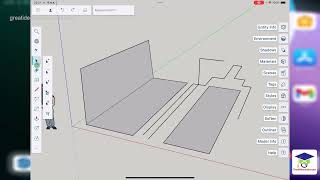
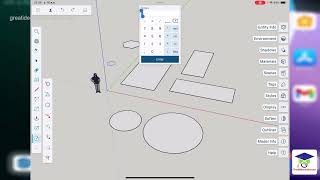
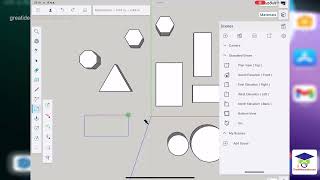
Chapter 10: Creating 2D Objects with Apple Pencil and Mouse Ep.1
2:21
Lesson 11: Creating 2D Objects with Apple Pencil and Mouse Ep.2
4:43
Chapter 12: Creating 2D Objects with Apple Pencil and Mouse Ep.3
5:15
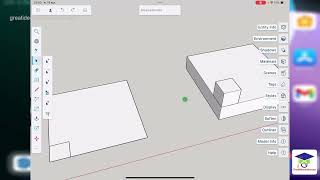
Chapter 13: Creating 3D Objects with the Push-Pull Tool
3:57
Chapter 14: Furniture Modeling Exercise - Sofa
5:24
Lesson 15: Selecting Objects
10:50
Lesson 16: Moving and Copying Objects Move, Copy, Stamp
10:00
Chapter 17: Rotating, Scaling, and Offsetting Objects
3:13
Chapter 18: Creating Dimension Lines
12:15
Lesson 19: Groups and Components
8:28
Lesson 20: Practice Exercise - Creating a Shelving Unit Ep.1
9:12
Chapter 21 Exercise: Creating a Shelf Ep.2
10:15
Lesson 22: Assigning Materials to the Object
6:55
Chapter 23: Enabling Shadows and Settings
3:20
Chapter 24: Exporting your work as an image file
14:40
บทที่ 25 แบบฝึกหัดสร้างบ้าน Ep.1
19:29
บทที่ 26 แบบฝึกหัดสร้างบ้าน Ep.2
12:33
Lesson 27: House Building Exercise Ep.3
13:08
Chapter 28 House Building Exercise Ep.4
5:40
Chapter 29: House Building Exercise Ep.5
7:14
Lesson 30: House Building Exercise Ep.6